The Hidden Cost of a Slow Website
A slow website does not simply test your visitors’ patience. It can waste paid traffic, weaken trust, reduce conversions and make every marketing channel less efficient.
The cost is often invisible. Your advertising platform still records the click, but the visitor may leave before the page becomes usable. Your analytics may show a short session, but not the frustration behind it. Your sales team may receive fewer inquiries without realizing that website performance contributed to the loss.
Website speed is therefore not only a technical concern. It is a business performance issue.
What to Know First
A slow website creates friction between a visitor’s intention and the action you want them to take. The longer a page takes to display its main content or respond to an interaction, the greater the chance that the visitor will abandon the experience.
Poor performance can affect:
- conversion rates;
- landing-page experience;
- paid campaign efficiency;
- mobile usability;
- organic search performance;
- trust in the company;
- accessibility;
- employee productivity when internal tools are affected.
A perfect performance score does not guarantee more sales. However, a slow or unstable experience can prevent strong messaging, design and advertising from doing their jobs.
What Counts as a Slow Website?
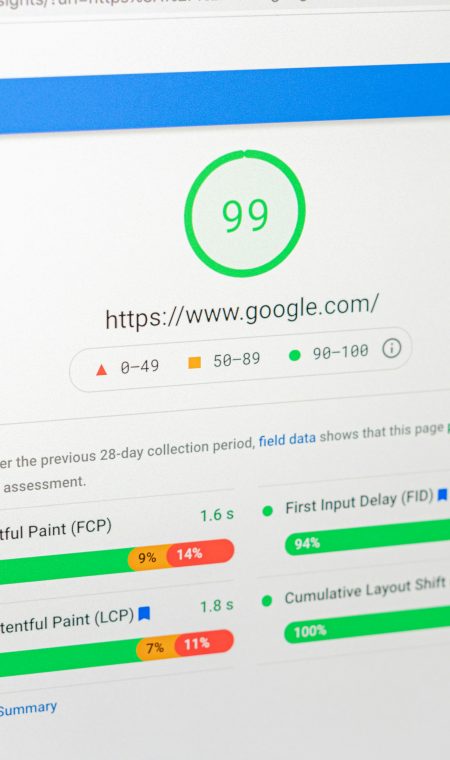
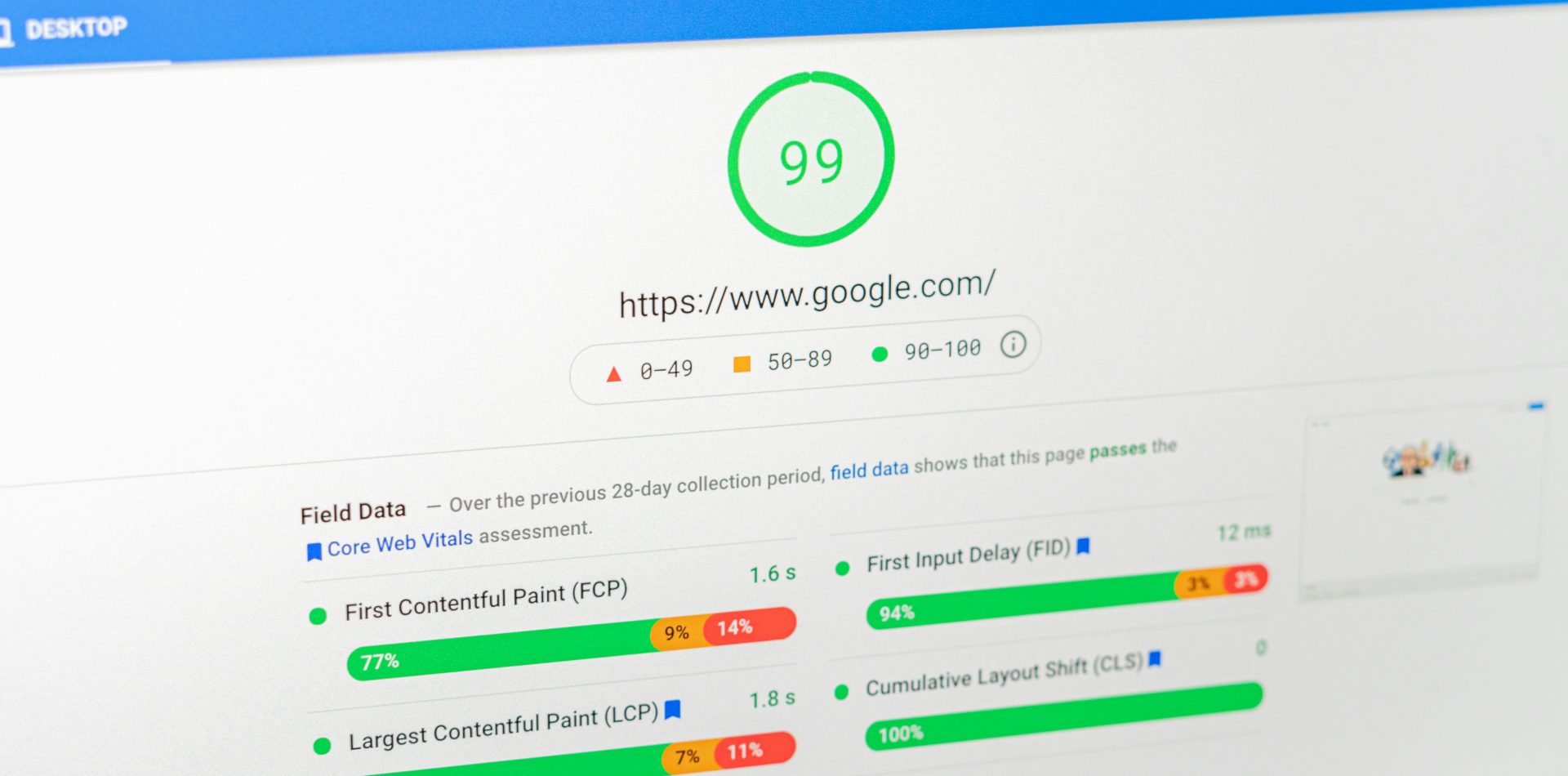
Website speed cannot be reduced to a single loading time. Google evaluates several aspects of the user experience through its Core Web Vitals.
| Metric | What it measures | Good threshold |
|---|---|---|
| LCP (Largest Contentful Paint) | How quickly the main content becomes visible | 2.5 seconds or less |
| INP (Interaction to Next Paint) | How quickly the page responds to user interactions | 200 milliseconds or less |
| CLS (Cumulative Layout Shift) | How visually stable the page remains while loading | 0.1 or less |
Google recommends meeting these thresholds at the 75th percentile of page loads, evaluated separately for mobile and desktop devices. The official definitions are available through web.dev’s Core Web Vitals documentation.
Field data versus laboratory data
Laboratory tests simulate a visit under controlled conditions. They are useful for identifying technical problems, but they do not represent every real visitor.
Field data reflects experiences recorded from actual Chrome users when sufficient data is available. It accounts for differences in devices, connections and locations.
Use both types of information. Laboratory data helps diagnose problems, while field data helps determine whether visitors are experiencing them in practice.
Perceived speed also matters
Two pages with similar technical scores can feel different. A page that displays meaningful content quickly may appear more responsive than one that shows a blank screen followed by everything at once.
Performance work should therefore consider both measurable thresholds and the order in which useful content appears.
How Website Speed Affects Conversion
Website performance and conversion are connected because speed influences whether visitors can complete the journey you designed for them.
A fast website cannot rescue an unclear offer, weak copy or confusing navigation. However, a slow website adds friction to every step.
Visitors may leave before seeing the offer
A paid advertisement or search result creates an expectation. When the destination takes too long to load, the experience breaks that expectation before the visitor evaluates the product or service.
This is particularly costly on high-intent pages such as:
- service pages;
- product pages;
- booking forms;
- campaign landing pages;
- quote request pages;
- checkout pages.
Instability reduces confidence
A high CLS score means elements move while the page loads. A visitor may try to press a button only for it to shift position, or begin reading a paragraph that suddenly moves down the page.
These experiences make a website feel unreliable. That perception can affect trust, especially when the user is preparing to submit personal information or make a payment.
Slow interactions interrupt momentum
A page may appear fully loaded while responding slowly to menus, filters, forms or buttons. INP measures this responsiveness.
When interactions feel delayed, visitors may click repeatedly, abandon a form or assume that the website is broken.
The Hidden Cost for Paid Campaigns
Every click from Google Ads, Meta Ads or LinkedIn Ads has a cost. When the landing page is slow, part of that investment is spent bringing visitors to an experience they may abandon before engaging with it.
Paid clicks can be wasted
Advertising platforms charge for the visit even when the landing page performs poorly. A campaign may therefore generate healthy click-through rates while producing disappointing leads or sales.
Before changing targeting, bids or creative, confirm that the destination page works properly on a typical mobile connection.
Landing-page experience matters in Google Ads
Google Ads evaluates landing-page experience as one component associated with ad quality. Relevance, usefulness, navigation and usability all matter.
Page speed is not presented as a standalone Quality Score metric. However, poor performance can weaken the overall landing-page experience and make it harder for visitors to complete the desired action.
Review Google’s official explanation of landing-page experience before treating any single performance score as a direct advertising ranking factor.
Campaign optimization has a limit
An advertising team can improve audiences, messages, bids and creative. It cannot fully compensate for a page that loads slowly, breaks on mobile or makes the form difficult to complete.
Paid campaigns and website performance must be evaluated together.
How Speed Affects SEO and User Experience
Google includes Core Web Vitals within its broader page-experience systems. However, the company also states that good Core Web Vitals scores do not guarantee high rankings.
Relevant, useful content remains essential. Performance helps that content provide a stronger experience; it does not replace it.
Speed is one signal among many
Google explains that page experience is evaluated through multiple signals. Core Web Vitals can contribute when several pages offer similarly relevant information, but they should not be treated as a shortcut to the top of the results.
The practical objective is not to chase a perfect score. It is to remove technical problems that interfere with access to useful content.
Read the official Google Search Central documentation on Core Web Vitals for the current guidance.
User experience extends beyond rankings
Even when a speed improvement does not produce an immediate ranking change, it can still improve:
- navigation;
- form completion;
- product discovery;
- accessibility;
- visitor confidence;
- campaign efficiency.
That is why performance should be evaluated as part of the complete website experience rather than as an isolated SEO task.
Why Mobile Performance Matters Most
Google primarily uses the mobile version of a website for indexing. More importantly, mobile visitors often experience slower processors, less stable connections and smaller screens than desktop visitors.
A website that performs well on a powerful office computer may still struggle on a mid-range phone using a cellular connection.
Test realistic conditions
Do not rely only on how the website feels inside your office. Test it with:
- PageSpeed Insights;
- the Core Web Vitals report in Google Search Console;
- a physical mobile device;
- throttled network conditions;
- multiple page types, not only the homepage.
Pay particular attention to campaign landing pages, service pages and forms. These pages are often more commercially important than the homepage.
The Most Common Causes of a Slow Website
Most slow websites have several smaller problems rather than one dramatic failure.
Oversized images
Large images are one of the most common causes of poor LCP. Problems include uploading files at dimensions far greater than their displayed size, failing to compress them and loading every image immediately.
Modern formats such as WebP or AVIF can reduce file size, but implementation still needs to preserve appropriate visual quality.
Excessive third-party scripts
Analytics tools, advertising pixels, chat widgets, booking systems, embedded videos and consent platforms all add work to the browser.
Some are necessary. Others remain installed long after the campaign or tool that required them has ended.
Weak hosting or server configuration
Slow server response can delay every resource that follows. Hosting is not always the only cause, but it should be investigated when the time to first byte remains poor across multiple pages.
Heavy themes and page builders
Some websites load large amounts of CSS and JavaScript regardless of what a page actually uses. Adding more optimization plugins may reduce symptoms without fixing the underlying architecture.
Missing caching and content delivery
Caching avoids rebuilding the same page unnecessarily. A content delivery network can also serve static files from locations closer to visitors.
These improvements must be configured carefully because aggressive caching can interfere with forms, personalized content or ecommerce functionality.
Website Speed Audit Checklist
| Area | What to verify | Priority |
|---|---|---|
| Core Web Vitals | Check mobile and desktop field data | High |
| Main images | Compress and size them correctly | High |
| Third-party scripts | Remove tools that no longer provide value | High |
| Hosting response | Review server performance and configuration | High |
| Caching | Confirm browser and server caching | Medium |
| JavaScript | Delay non-essential scripts where appropriate | Medium |
| CSS | Remove or reduce unused styles | Medium |
| Fonts | Limit unnecessary weights and preload carefully | Medium |
| CDN | Evaluate whether geographic delivery would help | Medium |
| Forms | Test speed and functionality after every change | High |
Questions to ask during the audit
- Which pages generate the most leads or revenue?
- Which templates fail Core Web Vitals?
- Is the problem site-wide or limited to certain pages?
- Are real users affected, or only laboratory tests?
- Which scripts contribute directly to business results?
- Could a change break analytics, consent management or forms?
These questions prevent a technical team from spending hours improving low-value pages while ignoring the pages that drive customer acquisition.
What Should You Fix First?
Begin with the changes that combine high impact with low implementation risk.
1. Optimize the main page assets
Review the hero image, fonts and other resources needed to display the content above the fold. These frequently influence LCP.
2. Audit third-party scripts
List every analytics tag, advertising pixel, widget and embedded tool. Remove anything that is obsolete or duplicated.
3. Review hosting and caching
Measure server response before changing providers. If the infrastructure is responsible, optimize the configuration or evaluate a more appropriate hosting plan.
4. Improve interaction responsiveness
Identify scripts or components that block the main thread and cause delayed interactions. Menus, filters and forms should respond without noticeable hesitation.
5. Test after every change
Performance improvements can create functional problems. Retest forms, analytics, consent settings, ecommerce actions and advertising conversions after deployment.
When Is a Website Redesign Necessary?
A full redesign is not always the correct answer. Many performance problems can be resolved without replacing the website.
A more substantial rebuild may be justified when:
- the theme or page builder creates unavoidable technical overhead;
- several core templates need to be reconstructed;
- the website is difficult to maintain safely;
- the information architecture no longer supports the business;
- mobile usability remains poor after targeted fixes;
- branding, content and conversion paths also require major changes;
- optimization costs are approaching the cost of a more sustainable rebuild.
The decision should follow an audit. Rebuilding a website without identifying the original causes can reproduce the same problems with a newer design.
FAQ
No. Website speed removes friction, but conversions also depend on the offer, messaging, design, trust and user journey. A score of 100 is not a business objective by itself.
A score of 65 falls within PageSpeed Insights’ “needs improvement” range for its laboratory performance score. It signals opportunities for investigation, but it does not prove that rankings, advertising costs or conversions are being harmed. Review individual diagnostics and real-user Core Web Vitals before drawing conclusions.
Simple image and caching improvements may take a few hours. Script cleanup, hosting changes or template reconstruction can require several days or weeks. An audit should determine the scope before work begins.
No. WordPress can perform well with appropriate hosting, efficient themes, disciplined plugin use and careful development. Performance problems usually come from the implementation rather than the CMS alone.
Google occasionally updates the metrics and their implementation. INP replaced FID as a Core Web Vital in March 2024. Consult web.dev and Google Search Central for current guidance.
Core Web Vitals and page-experience considerations can apply to pages targeting local searches, but speed is only one part of local visibility. Relevance, location signals, content, links and the Google Business Profile also matter.
Only to a limited extent. Better targeting and creative can improve campaign performance, but they cannot remove friction that occurs after the click. The campaign and its landing page must work together.